How to forward your business calls on any carrier (AT&T, T-Mobile, Verizon & landlines)
The exact star codes to forward all calls, unanswered calls or busy calls to an AI receptionist or answering service — plus how to test and undo it.
The AI Receptionist Plus team Published 4 min read
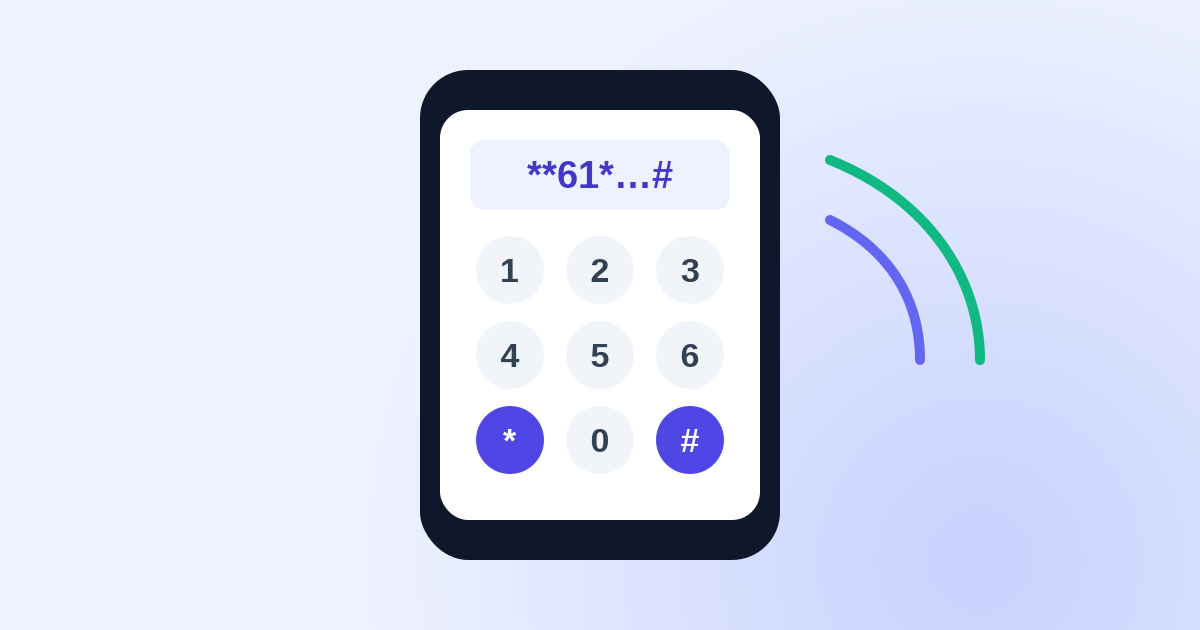
Call forwarding is the simplest way to put an AI receptionist (or any answering service) in front of the number your customers already know. You don't have to port your number, change your website or reprint your truck wraps. You dial a short code from the phone line you want to forward, and calls start flowing to the new destination.
This guide covers the codes for the major US carriers, landlines and office phone systems, and how to test and undo forwarding.
Pick the right kind of forwarding
There are three common setups. Choose based on how you want to handle calls:
| Setup | What happens | Best for |
|---|---|---|
| Forward all calls | Every call goes straight to the AI. Your phone never rings. | Busy shops, after-hours lines, owners who are always on a job |
| Forward when unanswered | Your phone rings first; if you don't pick up, the AI answers. | Owners who like to answer when they can |
| Forward when busy | If you're already on a call, the next caller goes to the AI. | Single-line businesses that get calls back-to-back |
Most small businesses start with forward when unanswered (sometimes called "no-answer" or "overflow" forwarding). You still answer the calls you can, and nothing slips through the cracks.
AT&T, T-Mobile and other GSM carriers
AT&T, T-Mobile and most carriers that use their networks (for example Mint, Cricket and Metro) use the standard GSM codes. Replace NUMBER with the 10-digit destination number.
| Forwarding type | Code to dial | Then |
|---|---|---|
| All calls | **21*NUMBER# | Press call |
| When unanswered | **61*NUMBER# | Press call |
| When busy | **67*NUMBER# | Press call |
| When unreachable (phone off or no signal) | **62*NUMBER# | Press call |
| Unanswered, busy and unreachable together | **004*NUMBER# | Press call |
| Cancel all forwarding | ##002# | Press call |
You'll usually see a confirmation message on screen within a few seconds.
Change how long your phone rings first
With "when unanswered" forwarding, the default ring time is often about 20 seconds. To change it, add the number of seconds (5–30, in steps of 5) to the code:
**61*NUMBER**15#That example rings your phone for 15 seconds before the AI picks up. We recommend 15–20 seconds: long enough for you to answer, short enough that callers don't give up.
Verizon
Verizon uses different codes:
| Forwarding type | Code to dial |
|---|---|
| All calls | *72 followed by the 10-digit number |
| When unanswered or busy | *71 followed by the 10-digit number |
| Cancel forwarding | *73 |
Press call after entering the code. You'll hear a confirmation tone or message. Some older Verizon plans charge for forwarded minutes, so check your plan if you're unsure.
Landlines and cable phone service
Most landline and cable providers support:
*72+ number to forward all calls*73to cancel
"No answer" and "busy" forwarding codes vary by provider (some use *92 / *93 or *90 / *91). If they don't work, search "[your provider] call forwarding no answer" or call support and ask for conditional call forwarding to be enabled.
Office phone systems and VoIP
If you use a VoIP or office phone system (for example a hosted PBX), forwarding is set in its admin portal or app rather than with star codes. Look for settings named call forwarding, call handling, overflow or find me / follow me, and add the AI number as the destination after your desk phones ring.
Test it — every time
After you set up forwarding:
- Call your business number from a different phone (a friend's mobile works). Don't call from the forwarded line itself.
- If you chose "when unanswered", let it ring without picking up.
- Confirm the AI answers with your greeting.
- Hang up and check that the call summary arrives in your dashboard or app.
In AI Receptionist Plus, the onboarding wizard does this check with you and shows the transcript live, so you know it's working before customers call.
How to turn forwarding off
- GSM (AT&T, T-Mobile): dial
##002# - Verizon and most landlines: dial
*73 - VoIP / office systems: remove the forwarding rule in the admin portal
Your calls go straight back to your phone within seconds. There's nothing to cancel on the AI side.
Will forwarding change my caller ID?
No. Customers still dial your normal number. The AI sees the original caller's number, so call summaries and text-backs go to the right person.
Do I pay extra for forwarded calls?
Most modern US mobile plans include call forwarding at no extra charge, but some older or business plans bill forwarded minutes. Check your plan if you're unsure.
Can I forward only after business hours?
Carrier codes don't support schedules. Instead, forward all calls and set your business hours in AI Receptionist Plus. Ava can then transfer calls to you during the day (on plans with live call transfer) and take over after hours.
Product & customer success
We build AI Receptionist Plus, the AI receptionist for small businesses, and spend our days helping plumbers, salons, law firms and shops answer every call. These guides come from that work.